Best AI Calendar Apps That Plan Your Day
AI calendars promise to schedule your tasks around your meetings automatically. We compare the leading options on price, how they plan, and whether the schedule survives a real week.

Eddie Ochieng
July 3, 2026· Updated Jul 13, 2026
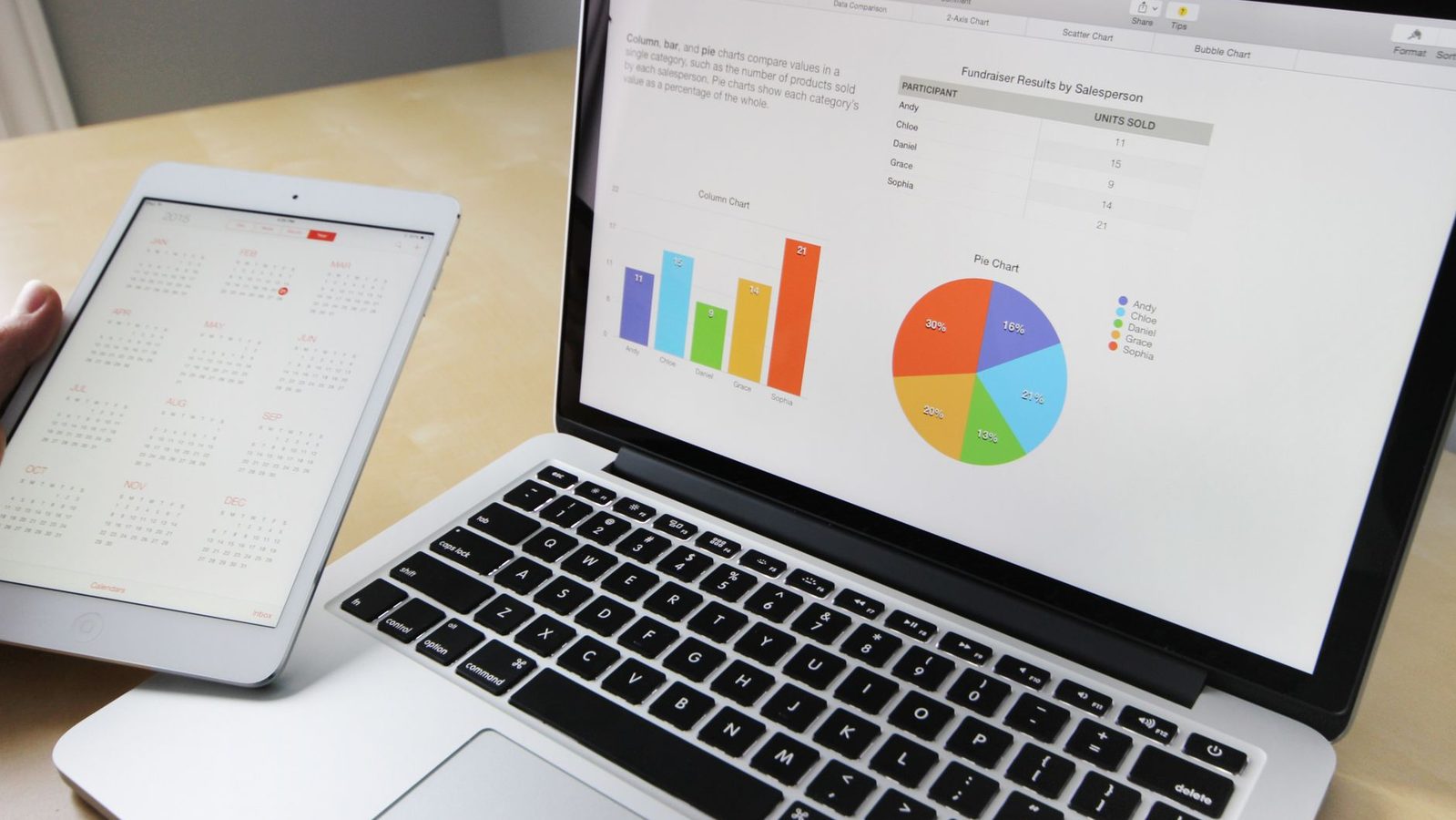
A normal calendar shows you your meetings. An AI calendar tries to plan the rest of your day around them, slotting your tasks into the gaps, defending your focus time, and reshuffling everything when a meeting moves. Done well it feels like having an assistant who guards your time. Done badly it is a gimmick that fills your day with blocks you ignore. We compared the main players to see which actually deliver.
How we compared
We compared these on published pricing, the scheduling behaviour each vendor documents, and what users consistently report about whether the plan it builds is one they actually follow. Free tier limits come straight from the vendors. The honest test of any of these is simple, does the schedule survive contact with a real week.
Motion
Motion is the most ambitious of the three. It takes your tasks, deadlines, and meetings and builds a complete daily schedule automatically, then rebuilds it whenever something changes. For people who live and die by their task list, handing the planning over to Motion can be genuinely freeing. It is the closest thing here to an automatic chief of staff.
It is also the priciest and the most opinionated. You have to trust its plan and work its way, which suits some people and frustrates others.
Reclaim
Reclaim is the friendly middle ground. It automatically finds time for your recurring habits and tasks, defends focus blocks, and syncs smart around your Google Calendar meetings. It is less all encompassing than Motion and easier to adopt gradually, with a genuinely useful free tier. For most people wanting AI scheduling without a leap of faith, it is the easiest yes.
+ Pros
- + Useful free tier
- + Eases in alongside your existing calendar
- + Good at defending focus time
– Cons
- – Less all in one than Motion
- – Works best inside the Google ecosystem
Clockwise
Clockwise is built for teams and focus. Its strength is rearranging meetings across a team to create shared blocks of uninterrupted time, and its AI helps optimise everyone schedule, not just yours. If your problem is a calendar shredded by meetings, Clockwise is the specialist. For solo task scheduling it does less than Motion or Reclaim.
| Tool | Price | Best for |
|---|---|---|
| Motion | From about $19/user/mo | Fully automatic daily planning |
| Reclaim | Free tier, paid from about $8/mo | Easing into AI scheduling |
| Clockwise | Free tier, paid from about $7/mo | Team focus time |
The catch
AI scheduling only works if you actually feed it your tasks and honour the blocks it makes. Half fill your task list and the plan will be half right. These tools reward the habit of putting your work into them, and do little without it.
FAQ
What is the best AI calendar app?+
Reclaim for most people, thanks to a strong free tier and easy adoption. Motion for those who want fully automatic planning, and Clockwise for teams protecting focus time.
Do they work with Google Calendar?+
Yes. All three integrate with Google Calendar, and most support Outlook too. Reclaim and Clockwise are especially at home in the Google ecosystem.
Is there a free option?+
Reclaim and Clockwise both have useful free tiers. Motion is paid only, reflecting its more all in one approach.
Will it schedule my whole life or just work?+
That is up to you. You can give these tools only work tasks, or your habits and personal goals too. The more you add, the more complete the plan.
Calendars are one piece of the system. Pair one with the best AI project management tools and a solid note app from our note-taking roundup.